Free tools for making game sprites.
Each one opens straight in your browser. Nothing is uploaded, nothing is stored, and there is no account to make. Pick a tool and start.
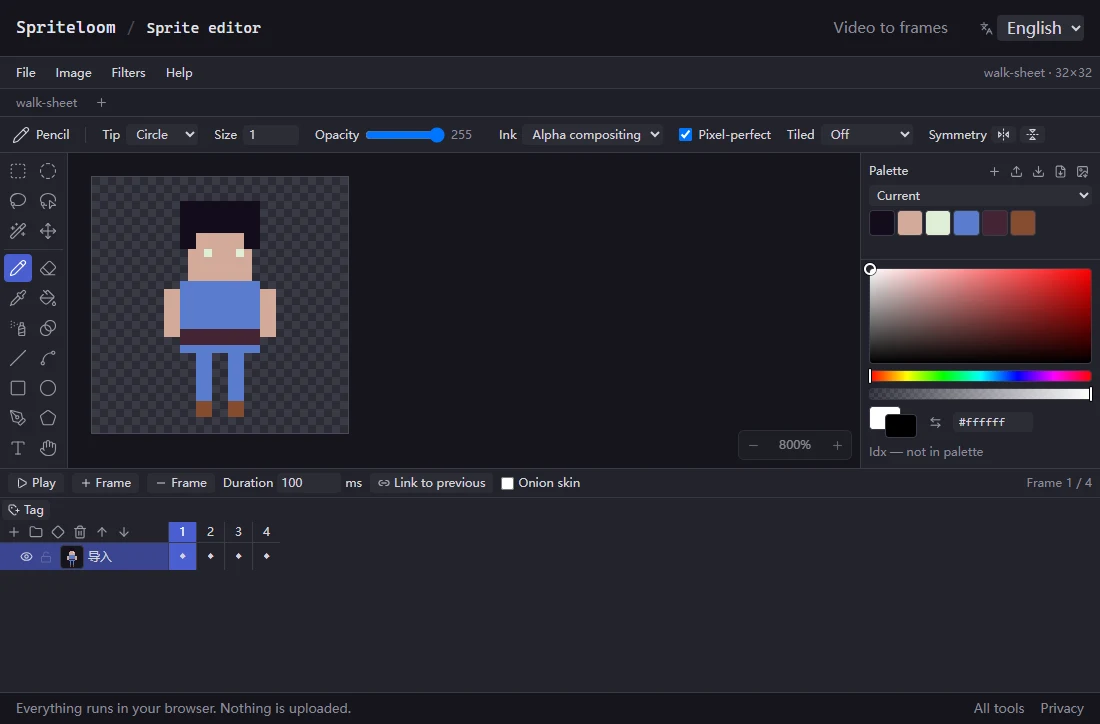
Sprite editor
Draw and animate pixel art. Layers, frames, tags, onion skin, 20 tools with
real Aseprite blend modes. It opens .aseprite files without
Aseprite installed, and exports a PNG atlas plus Godot
SpriteFrames or an AnimationLibrary .tres.
AI made the sprite. This is where you make it work in Godot.
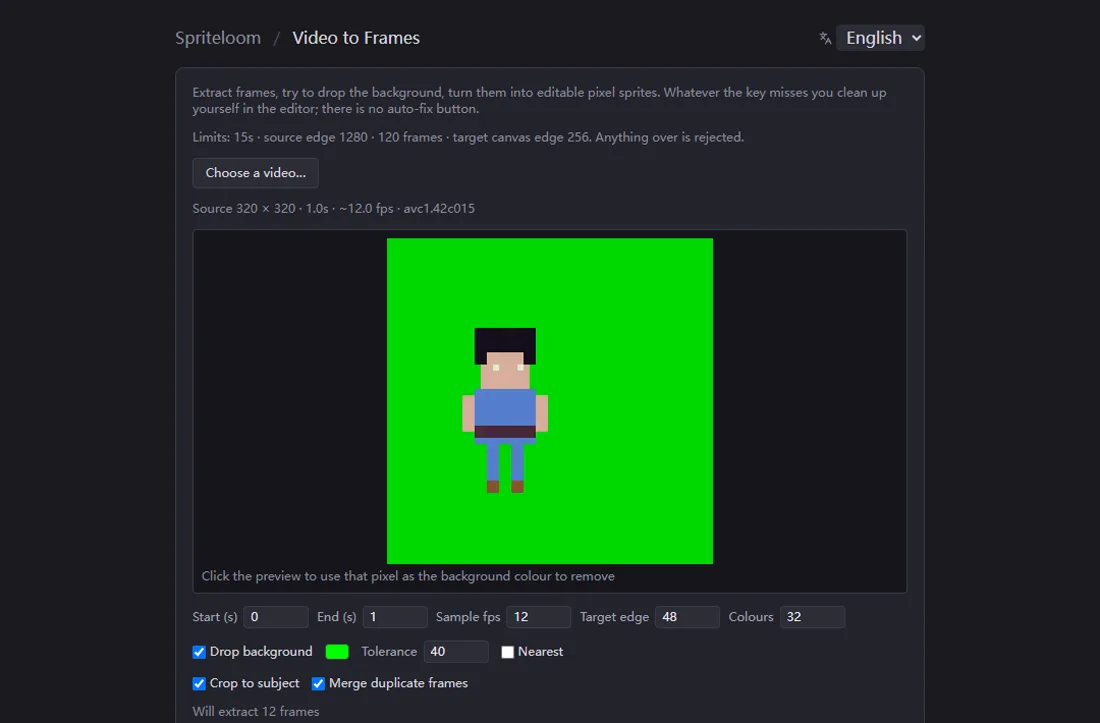
Video to sprite frames
Turn an action video into a frame sequence. Pick the range, pull the frames, drop the background colour, and it crops to the character and merges the frames that repeat. Decoding runs on your own machine, so there is no queue and no upload to wait for.
For the clips that AI video generators hand you.
More tools are on the way. They all feed the same editor and the same Godot export, so what you start in one you can finish in another.
How a sprite gets from a generator into your game
- Start with whatever you have: a PNG, a sheet, an
.asepritefile, or a video clip. - Cut it into frames. On a grid for a sheet, by time range for a video.
- Fix the pixels by hand, then tag the frames that make up
idle,walk,punch. - Export the atlas and the
.tres, and drop both intores://.
What they don't do
There is no auto-fix button
Cleaning up a generated sprite means editing pixels. These tools make that fast. They do not do it for you, and nothing here generates art.
They read .aseprite, they don't write it
Projects save as .fish. Coverage of the Aseprite format has not been
audited across versions, so treat opening one as best effort.
Nobody is storing your work
No account, no cloud, no sync. There is a four-second autosave into your own browser, but that is a guard against a stray reload, not a backup. Save the file yourself.